
TZN0-171B-H0
SOLVE TIMEZONE ISSUES: INPRO International announces TimeZoNe/400 (TZN/400) Version 7.1.B TZN/400 (TimeZoNe/400 Simulation Utility) is a Timezone tool that allows you to override the time based on the differential between the users timezone and the systems timezone thru the year 3000, including support for automatic rules driven Daylight Savings Time(DST) all around the world. All this without costly LPAR support. The DDS/RPG/COBOL/ILE/Query/SQL(via APIs) called routines for TIME will now look to your users timezone offset. Takes the effort out of rewriting 9,000 modules or expensive LPAR support.
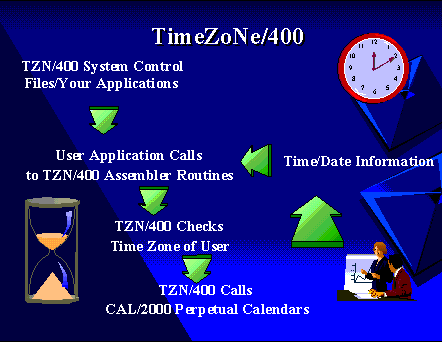
OS/400 6.1.0 or higher
timeCALendar/2000 CAL/2000 Version 5.1.2 or greater from INPRO,
for rolling time and date calculations support.
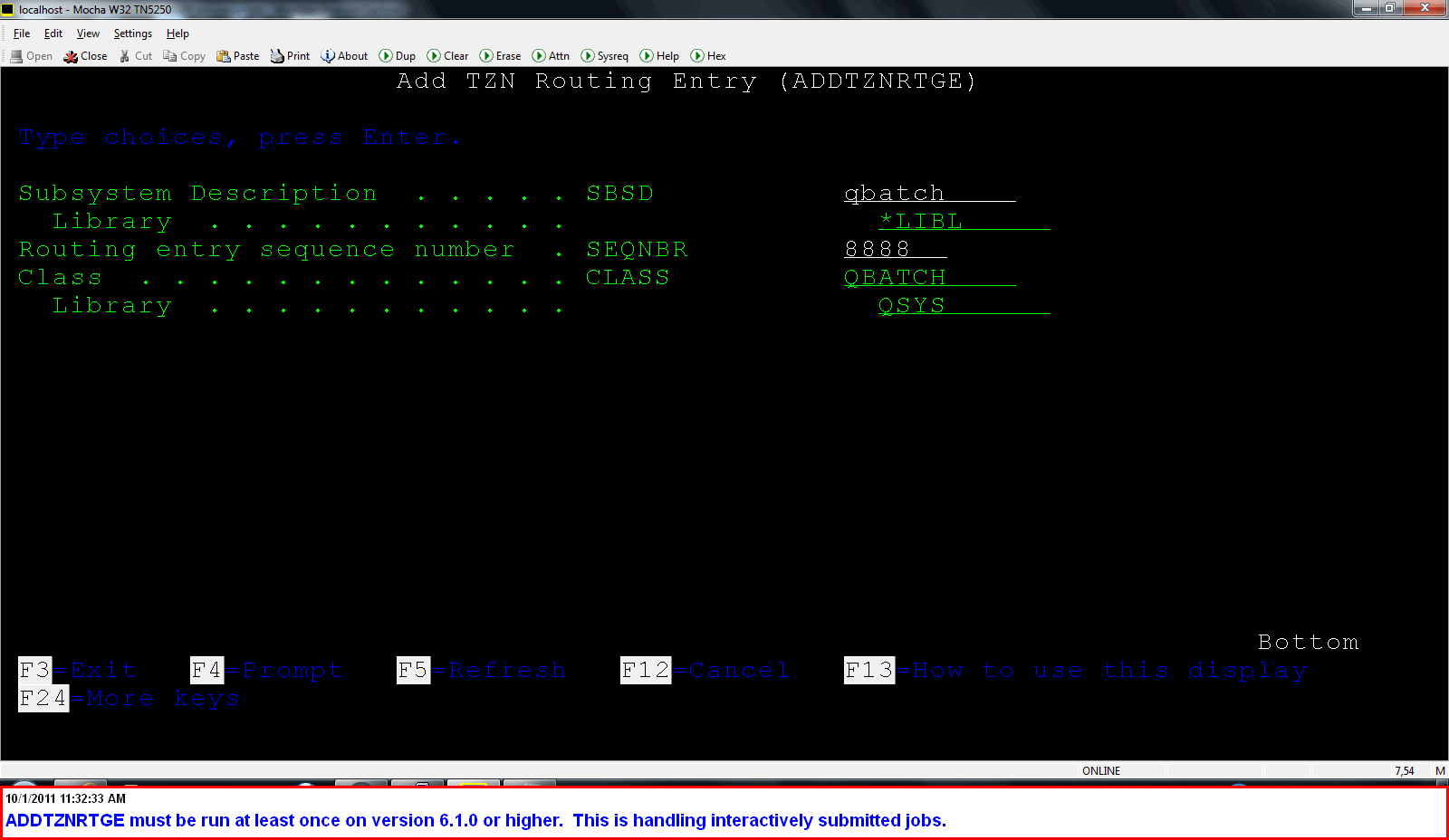
If you are upgrading from TZN213 or earlier you must run ADDTZNRTGE command to add a routing entry to where jobs submitted from interactive users were running, ie QBATCH subsystem.
BATCH CONTROL OPTIONS
CRTTZNUSR USRPRF(*SYSTEM) TIMEZONE(*ROMEO) SUBZONE(1)
CRTTZNUSR USRPRF(TESTUSER) TIMEZONE(*SIERRA) SUBZONE(1)
| GMT Offset | Location | TZN/400 Zone |
|---|---|---|
| (GMT-10:00) | Hawaii | (W)hiskey |
| (GMT-09:00) | Alaska | (V)ictor |
| (GMT-08:00) | Pacific Time(US & Canada), Tijuana | (U)niform |
| (GMT-07:00) | Arizona | (T)ango |
| (GMT-06:00) | Central Time(US & Canada) | (S)ierra |
| (GMT-05:00) | Eastern Time(US & Canada) | (R)omeo |
| (GMT-03:00) | Brasilia | (P)apa |
| (GMT) | Doublin, Edinburgh, Lisbon, London | (Z)ulu |
| (GMT+01:00) | Brussels, Copenhagen, Madrid, Paris, Vilnius | (A)lpha |
| (GMT+09:00) | Osaka, Sapporo, Tokyo | (I)ndia |
| (GMT+09:30) | Darwin | Custom (I)ndia subzone |
| (GMT+etc..) | Etc. | Etc. |
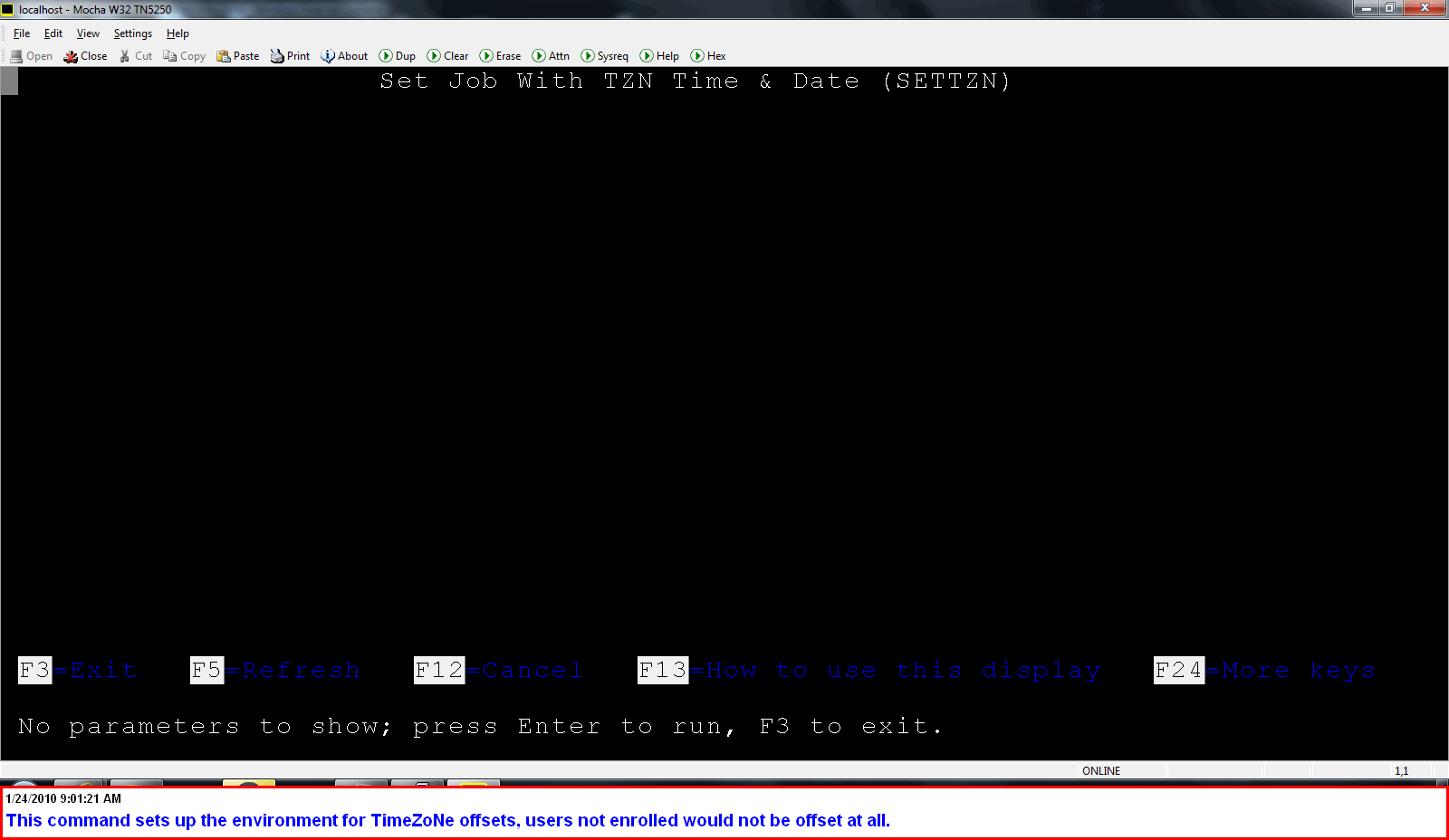
TZN/400 puts commands like WRKSPLF, WRKSBMJOB and others in the TimeZoNe of the user using them if they have issued the SETTZN command and are enrolled in TZN/400 itself.
Link TimeZoNe/400 the Movie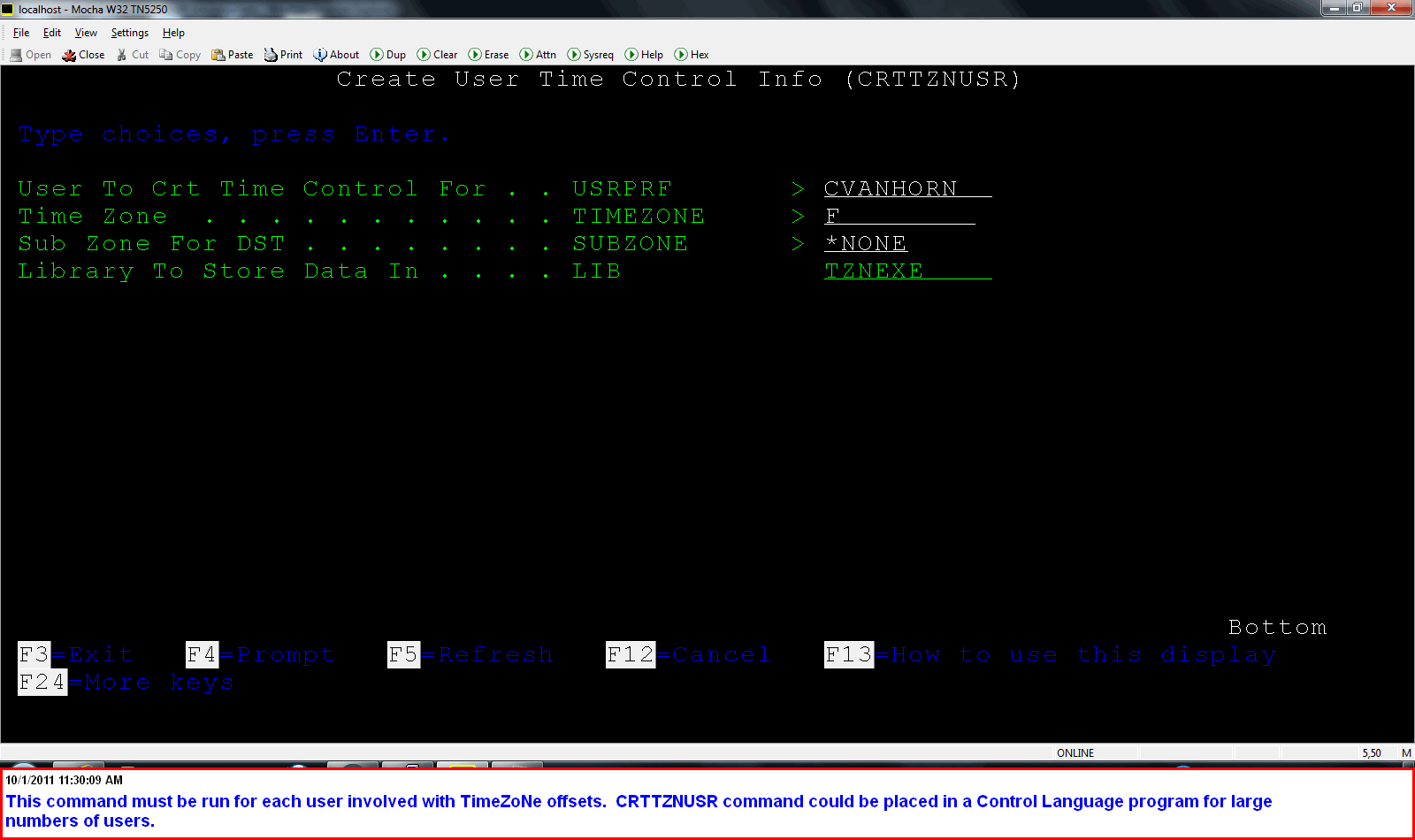
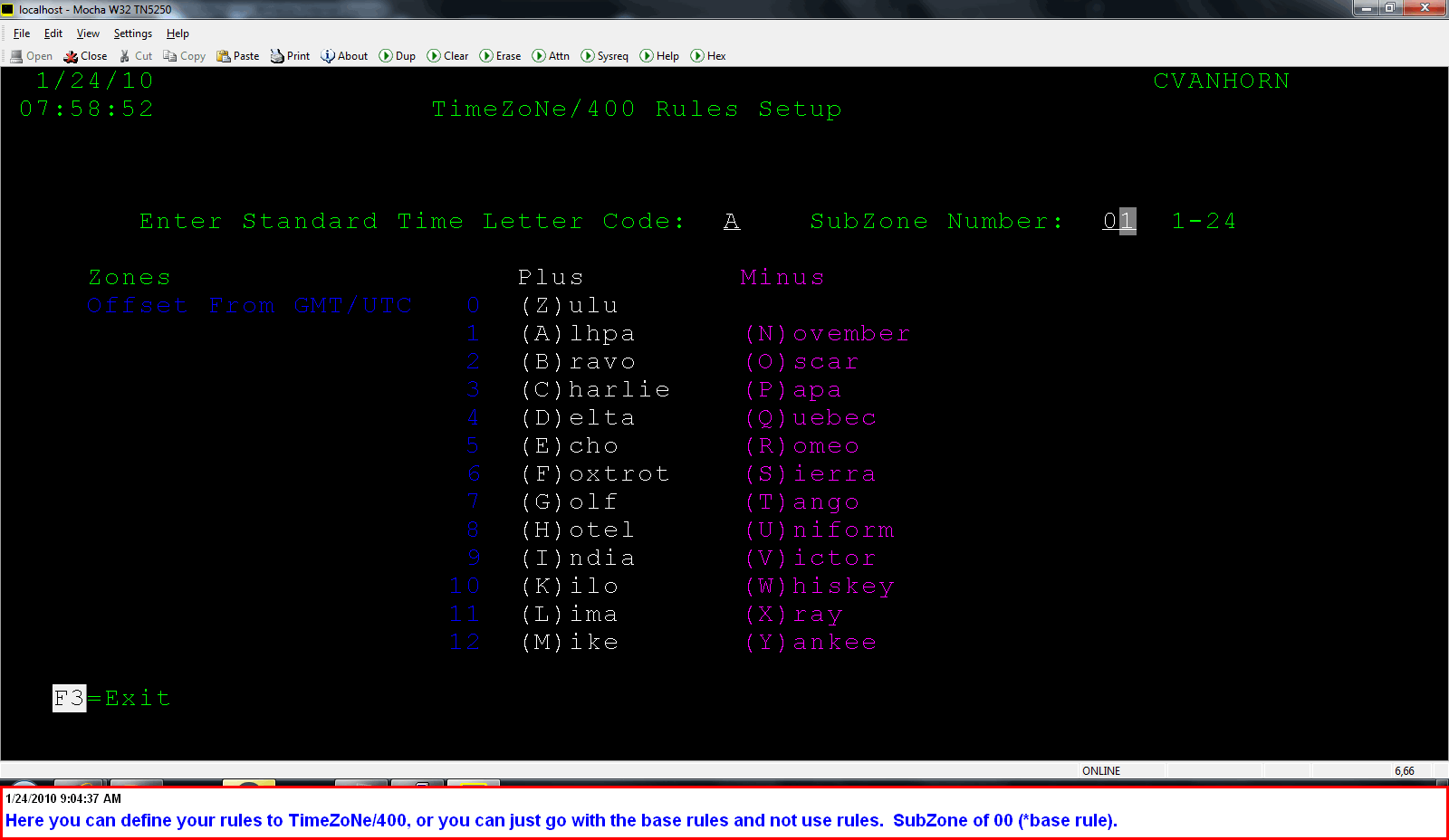
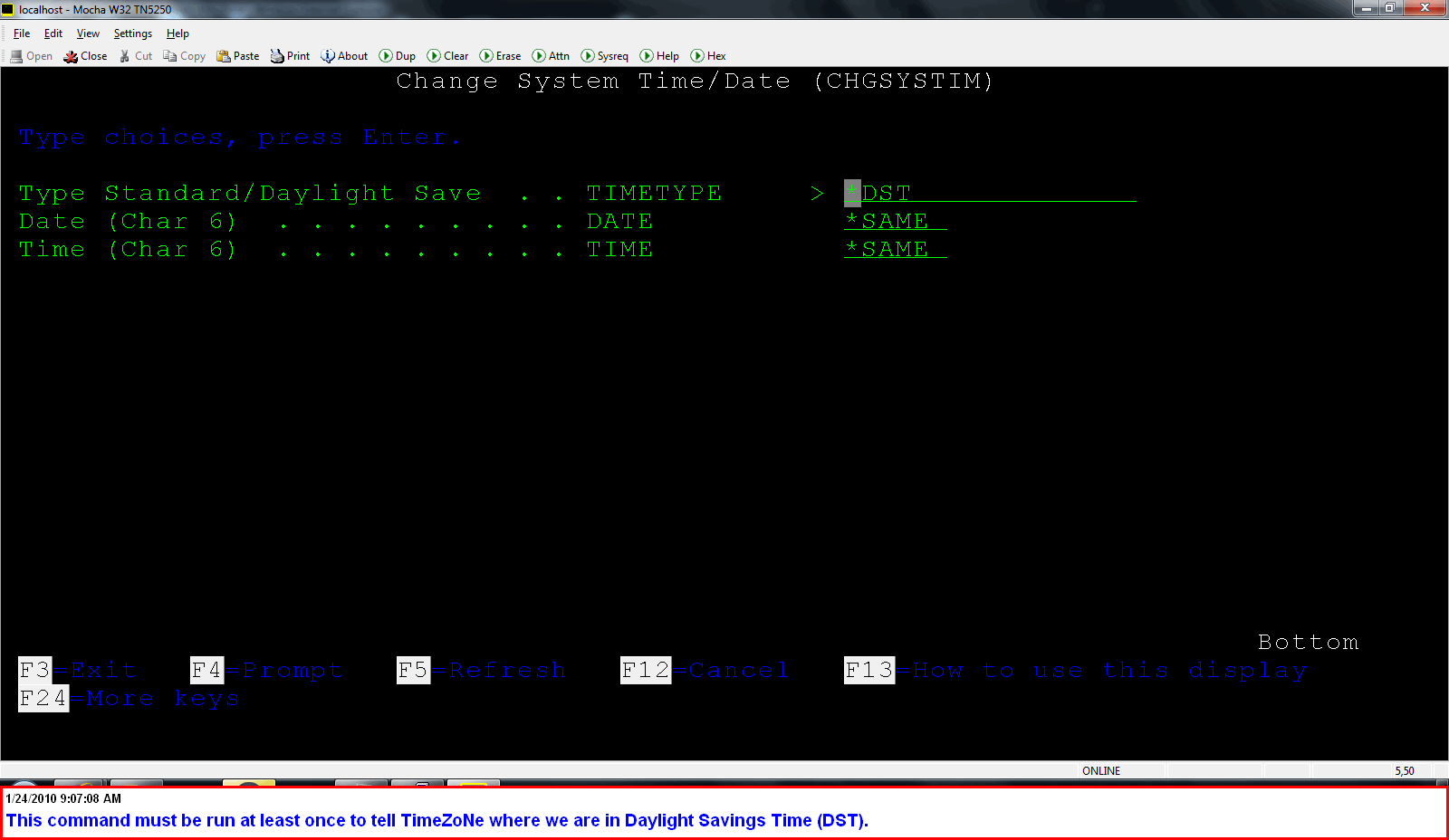
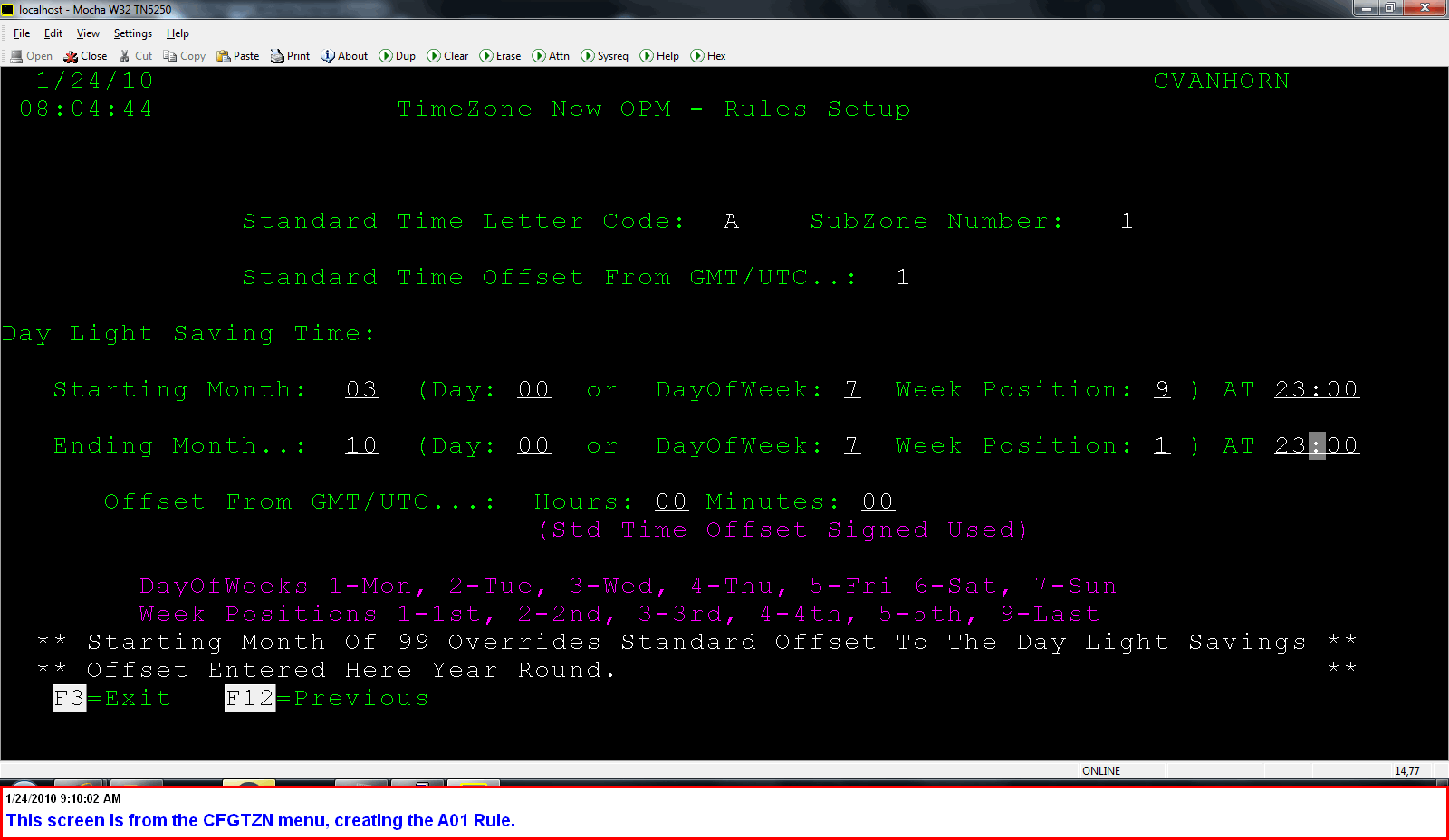
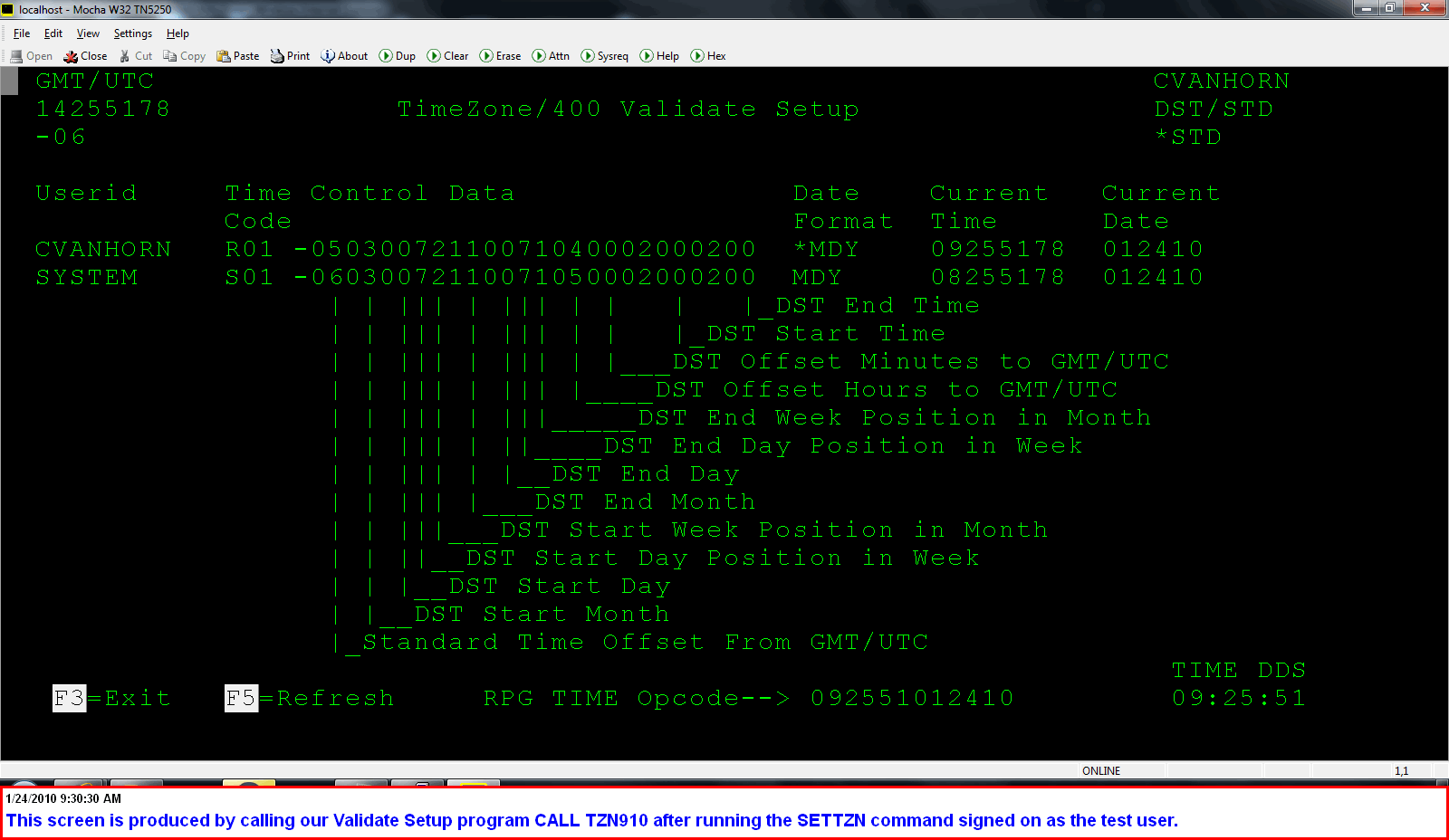
| Field | Definition |
|---|---|
| Standard Time Offset From GMT/UTC | Standard time offset from GMT/UTC for selected time zone |
| Day Light Savings Starting Month | Month within which the day light savings time starts/begins |
| Day Light Savings Starting Day | Day within which the day light savings time starts/begins. Place zeros here if the location does not have fixed day |
| Day Light Savings Starting Day Of The Week Number | Day of the week which the day light savings time takes affect |
| Day Light Savings Starting Week Of The Month | Day of the week position within the month which the day light savings time takes affect ie..First Sunday of the month: day of the week would be 7 and week of the month would be 1. Last Sunday of the month: day of the week would be 7 and week of the month would be 9. |
| Day Light Savings Starting Time | Time Day Light Savings time starts/begins |
| Day Light Savings Ending Month | Month within which the day light savings time ends |
| Day Light Savings Ending Day | Day within which the day light savings time ends. Place zeros here if the location does not have fixed day |
| Day Light Savings Ending Day Of The Week Number | Day of the week which the day light savings time takes affect |
| Day Light Savings Ending Week Of The Month | Day of the week position within the month which the day light savings time takes affect |
| Day Light Savings Ending Time | Time Day Light Savings time ends |
| Day Light Savings Offset Hours | Day light savings offset hours from GMT/UTC |
| Day Light Savings Offset Minutes | Day light savings offset minutes from GMT/UTC |
                             Change Program (CHGPGM)
 Type choices, press Enter.
 Program  . . . . . . . . . . . . PGM          > xxxTZN
   Library  . . . . . . . . . . .              >   TZNEXE
 Optimize program . . . . . . . . OPTIMIZE       *YES
 User profile . . . . . . . . . . USRPRF         *owner
 Use adopted authority  . . . . . USEADPAUT      *yes
 Remove observable info . . . . . RMVOBS         *NONE
 Enable performance collection:   ENBPFRCOL
   Collection level . . . . . . .                *SAME
   Procedures . . . . . . . . . .
 Force program recreation . . . . FRCCRT         *NO
| Command | CPP |
|---|---|
| ADDTZN | ADDTZN |
| RMVTZN | RMVTZN |
| SETTZN | SETTZN |
| *NONE | SETTZNA |
| *NONE | TZNAPI04 |
| *NONE | TZNAPI04A |
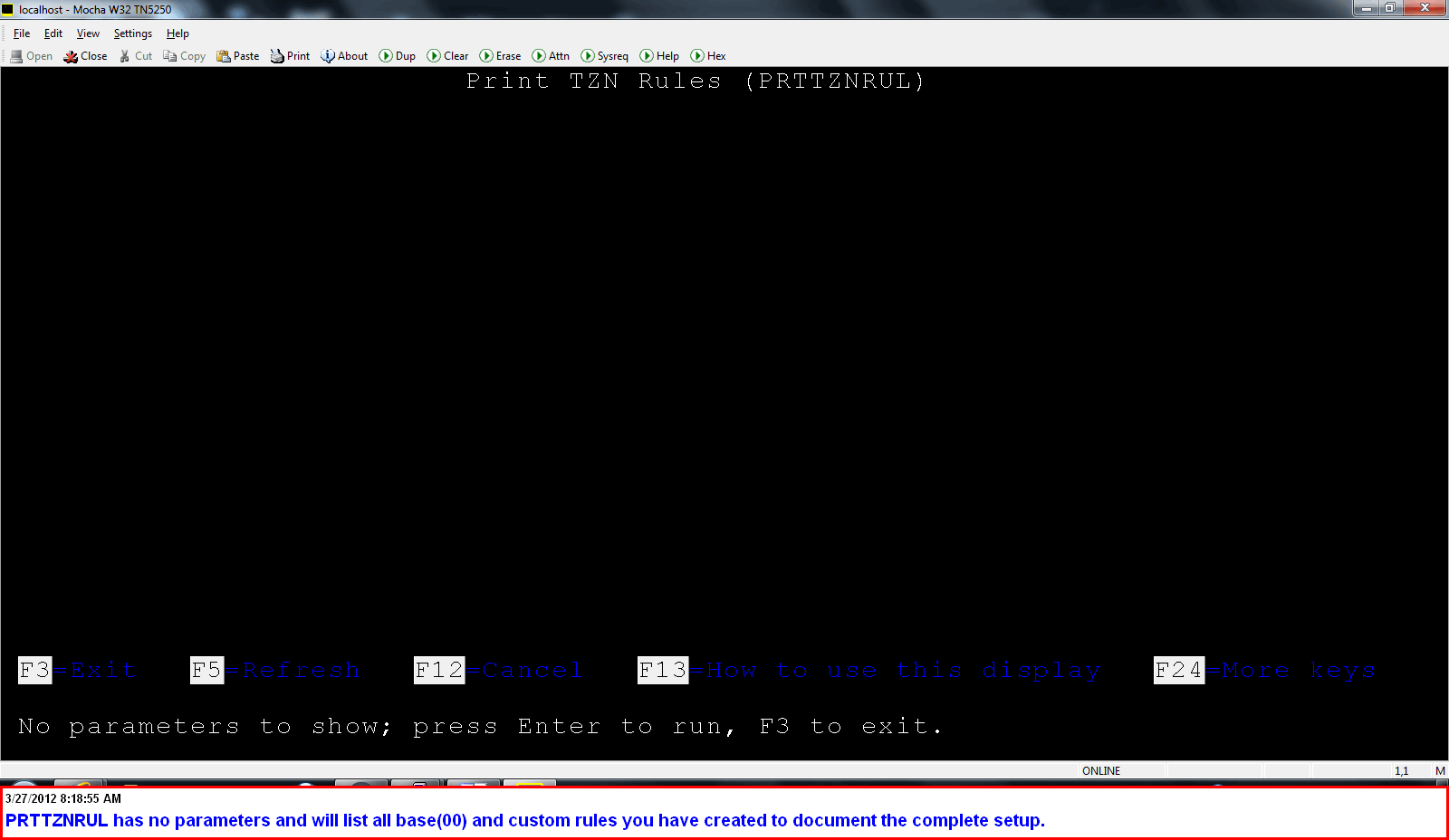
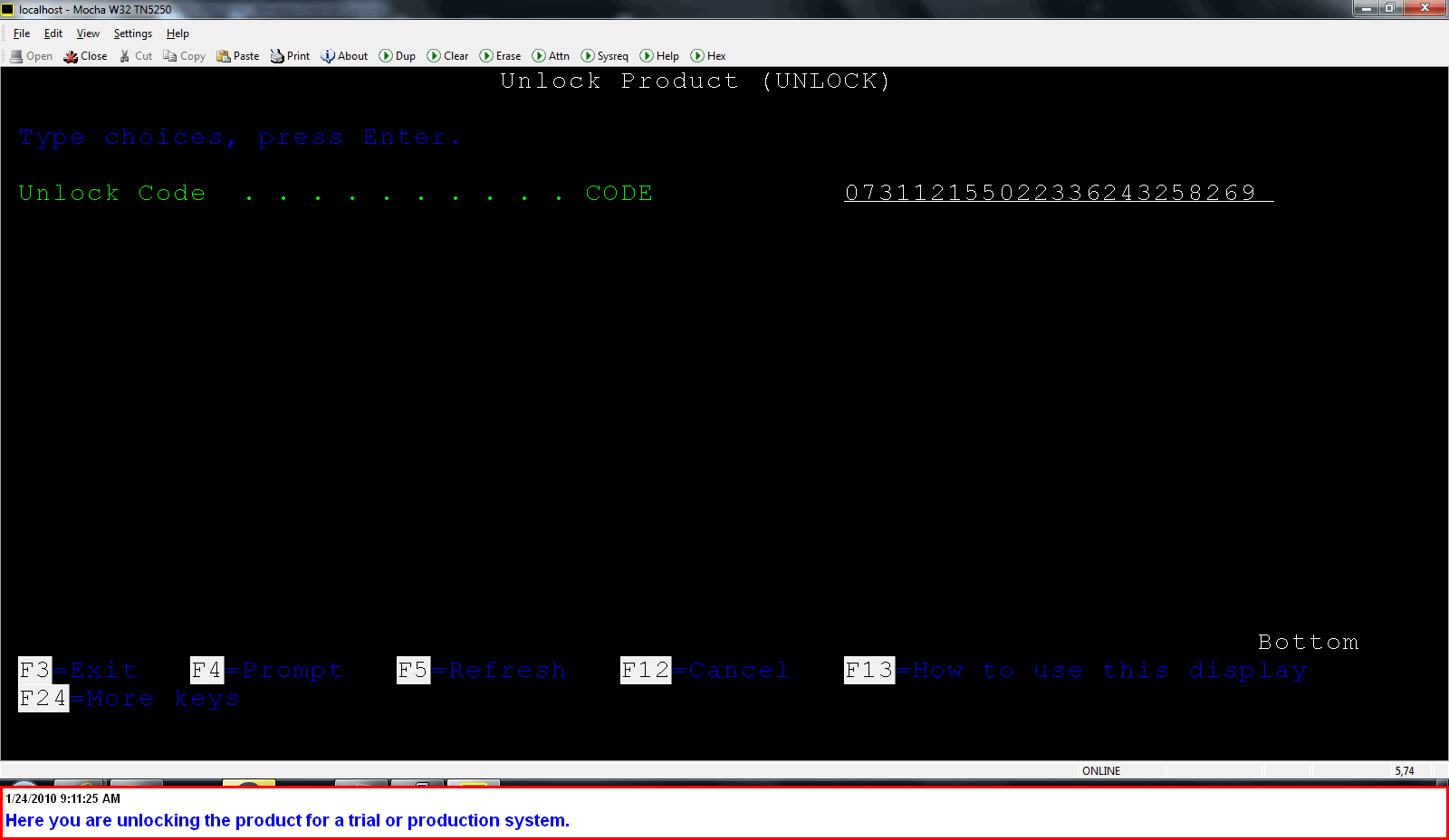
RBT292 ROBOT Command Entry 09:09:50 SxxxxxD

Commands for jobs named: GCXCLKSUM

Options
1=Select 4=Delete 7=Insert

Opt Seq  Command              Error
10  CALL PGM(TZNEXE/SETTZN)   C
20  CALL PGM(GCPRD/GCXCLKSUM) C
For example, we schedule a job for Japan at 17:30 our time in Robot. The program being called by Robot executes SETTZN first so the transactions created are timestamped 6:30 am the next day, since Japan is currently 13 hours ahead of us.
 PGM
   CHGSYSLIBL LIB(TZNEXE)
   MONMSG MSGID(CPF0000)
   SETTZN
   CALL PGM(QCMD)
 ENDPGM
ADDTZNRTGE SBSD(QGPL/DALE) SEQNBR(8888)
Runs the following command: ADDRTGE SBSD(x/y) SEQNBR(z) CMPVAL(TZNINPRO) PGM(TZNEXE/TZNAPI09) CLS(QSYS/QBATCH)
     x is the subsystem description library name
     y is the subsystem description name
     z is the routing entry sequence number
     Note: TZNAPI09 is used here. (Code Below)
                      PGM
                      TZNEXE/SETTZN
                      CALL       PGM(QCMD)
                      ENDPGM

     Note: TZNAPI09A is used here. (Code Below to Drill Down to Current User)
                      PGM
                      TZNEXE/SETTZNA
                      CALL       PGM(QCMD)
                      ENDPGM
Program: TZNAPI01 - Convert Date & Time From 1 Time Zone To Another Time Zone.
              Param 1: From Time Zone / Sub Zone  (3 Char, Format Zone Letter / Sub Zone Number  Ex: A01) - Input
              Param 2: From Date (8 Char, Format yyyymmdd   ex: 20070118) - Input
              Param 3: From Time (8 Char, Format hhmmssxx  ex: 22301001) - Input
              Param 4: To Time Zone / Sub Zone  (3 Char, Format Zone Letter / Sub Zone Number  Ex: R01) - Input
              Param 5: To Date (8 Char, Format yyyymmdd   ex: 20070118) - Output
              Param 6: To Time (8 Char, Format hhmmssxx  ex: 22301001) - Output
              Param 7: Error Message ID (7 Char, ex: TZN1002) If blank no errors found - Output
Program: TZNAPI02 - Get Current Date & Time For A Time Zone.
              Param 1: To Time Zone / Sub Zone  (3 Char, Format Zone Letter / Sub Zone Number  Ex: R01) - Input
              Param 2: To Date (8 Char, Format yyyymmdd   ex: 20070118) - Output
              Param 3: To Time (8 Char, Format hhmmssxx  ex: 22301001) - Output
              Param 4: Error Message ID (7 Char, ex: TZN1002) If blank no errors found - Output
Program: TZNAPI07 - Gets System Current Date/Time Used by TZN910
Param 1: TimeStamp Character length 26 ex: 2008-11-13-07.13.09.811899 - Output
Program: TZNAPI09 - Routing Step Program
Param 1: None
Program: TZNAPI10 - Gets Current Timezone offset including support of Daylight Savings Time for a User Profile.
              Param 1: User Profile Character length 10 this is the user profile that is set up in TimeZone/400 – Input
              Param 2: Time Zone Offset Character length 6 this is the current time zone offset including support of Daylight Savings Time
                       for the user profile value: [+/-]HH:MM Example: -05:00) – Output
              Param 3: Error Message ID Character length 7 (ex: TZN0002) a specified error if user is not set up in TimeZone/400.
                       If blank no errors found – Output
Rules For TZNAPI10
1) User does not need SETTZN* to have been called, just TZNEXE in library list.
Program: TZNAPI30 - Gets Current User Zone Time Date/Time For User in SETTZN.
Param 1: TimeStamp Character length 26 ex:> 2008-11-13-08.13.09.811899 - Output
Program: TZNAPI30A - Gets Current User Zone Time Date/Time For User in SETTZNA.
Param 1: TimeStamp Character length 26 ex:> 2008-11-13-08.13.09.811899 - Output
Program: TZNAPI30B - Gets Current User Zone Time Date/Time For User in SETTZN with user definition in any library other than TZNEXE.
Param 1: TimeStamp Character length 26 ex:> 2008-11-13-08.13.09.811899 - Output
Rules For TZNAPI30*
1) User does not need SETTZN* to have been called, just TZNEXE and CALEXE in library list.
2) User needs Definition Data Area in TZNEXE or in the list library for TZNAPI30B.
3) User Definition Data Area Requires Valid Time Zone.
4) User uses TZNAPI30 when Definition Data Area is in library TZNEXE and is STATIC
5) User uses TZNAPI30A when Definition Data Area is in library TZNEXE and is DYNAMICLY changing
6) User uses TZNAPI30B when Definition Data Area is in libary list but not in TZNEXE and is STATIC.

If the TZNAPI30* program returns blanks/spaces one of the above rules not followed..
The exclude replacation objects are ( tznexe/tznctl *dtaara and calexe/inprocal *usrspc )